Quality first
Logo digitizer from photo
Extract a logo from a menu, sign, package, or old print and rebuild it as clean vector artwork.
Preview the restored logo before deciding. Unlock an editable SVG and transparent PNG only when you want the final files. Private processing Real output file Clearly measured usage
Photo-to-logo workflow
Recover a usable logo from a real-world photo.
Upload a menu, sign, package, or old print. VectoKit rebuilds the logo flat, removes the background, and traces editable vector paths.
Drop a logo photo herePNG, JPG, or WebP · up to 15 MB · the complete logo must be visibleChoose photo
Real workflow example
From a photographed menu to clean vector artwork.
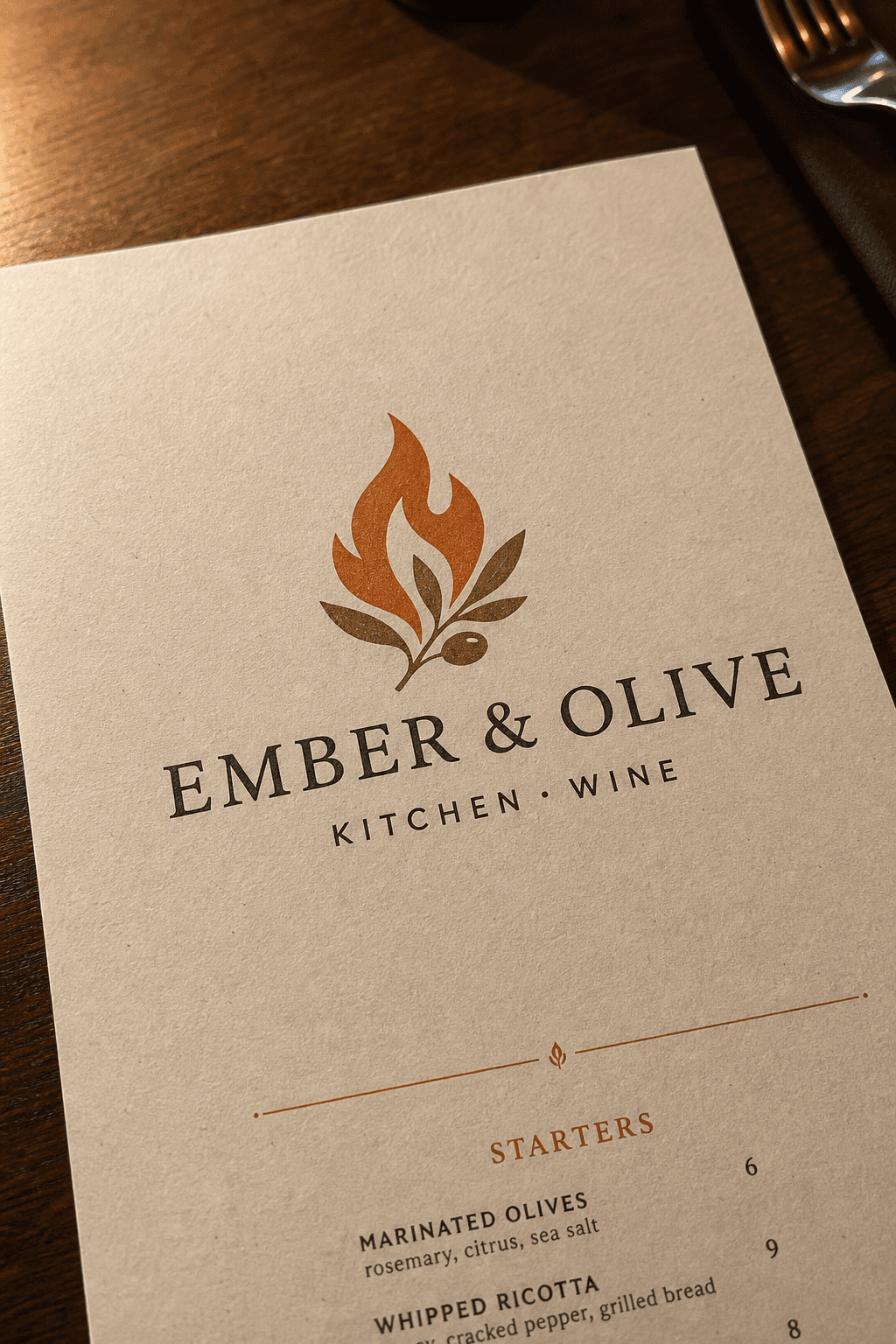
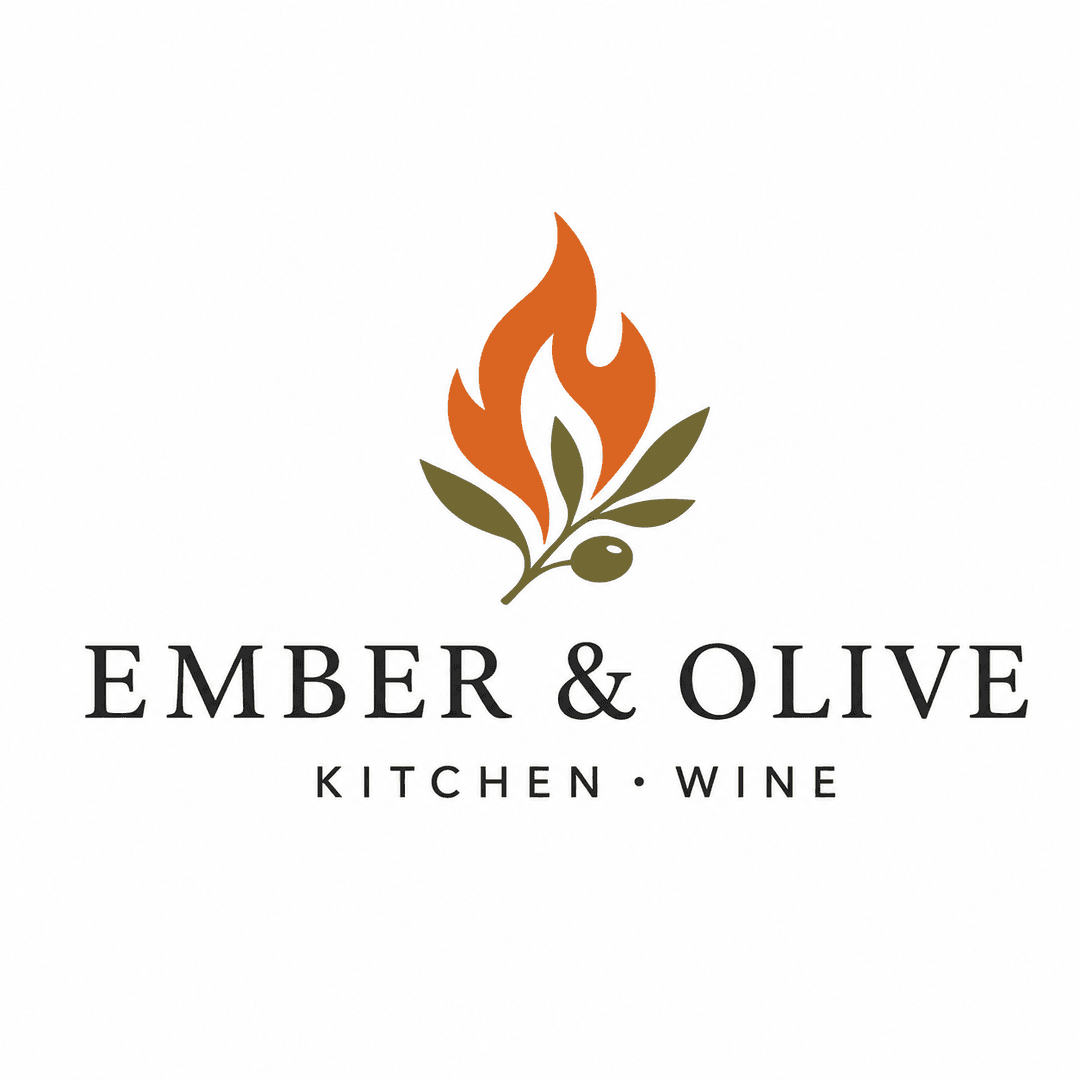
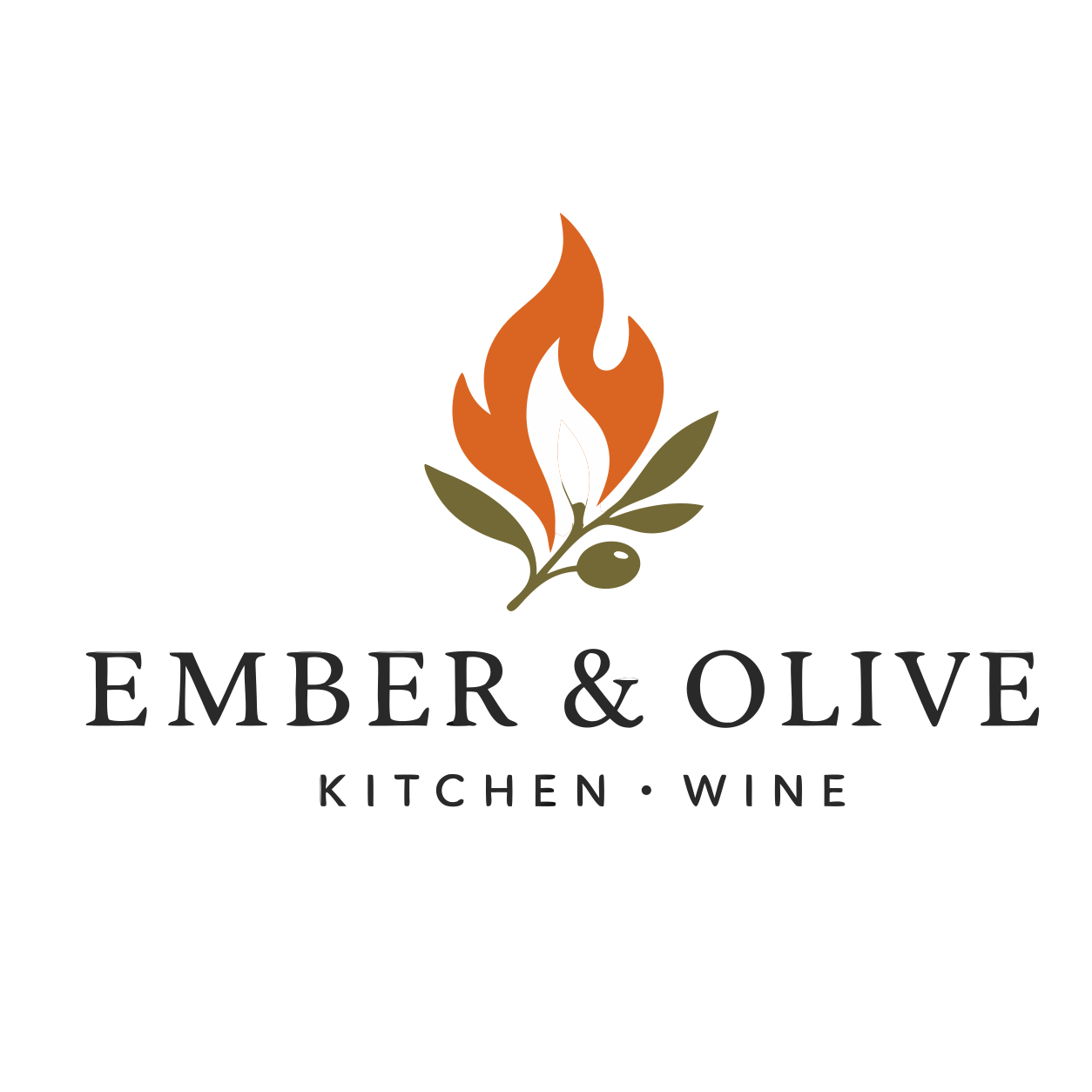
This example uses an angled, textured menu photo—not a prepared source file. Every displayed stage is a real output from the workflow.
Learn before you export
Quality checks for the file you are making.
Complete toolkit
Keep the next step in the same workflow.
Every converter and production utility has a focused page, a real output, and the same predictable interface.
Convert artwork
PNG to SVG converterImage to SVG converterOnline image vectorizerPNG to vectorJPG to vectorCricut SVG converterLaser cutting vectorizerEmbroidery artwork vectorizerVinyl cut vectorizerMarketplace SVG prepPrint-ready merch vectorJPG to SVG converterLogo vectorizerImprove images
Background removerImage upscalerAI photo restorationMirror and bleedColoring page makerImage metadata & EXIF remover300 DPI image converter & checkerTrim transparent pixelsCreate with AI
SVG pattern generatorAI vector logo generatorAI SVG generatorBrand identity generatorAI image generatorProduct content generatorPrepare for production
Text to SVGQR code SVG generatorSVG design checkerCut file checkerSVG color separatorCutting mat previewSVG offset generatorSticker cut line generatorHalftone SVG generatorVinyl color matcherThread color mapperLaser material test cardDTF gang sheet builderSVG nesting toolEdit and export
Safe SVG cleaner & sanitizerSVG optimizerSVG to PNGSVG to PDFSVG to DXFSVG to EPSSVG to G-codeSVG color replacerFavicon generatorSVG animatorFrequently asked questions
Logo digitizer from photo
What do I receive from Logo digitizer from photo?
SVG + transparent PNG. Preview the restored logo before deciding. Unlock an editable SVG and transparent PNG only when you want the final files.
Which inputs are accepted?
PNG / JPG / WebP photo
Can I inspect the result before downloading?
Yes. A result preview appears after upload. Unlocking provides the high-resolution editable SVG vector and a transparent PNG.