How to convert a scanned stamp or company seal to SVG
Clean a faded stamp scan, separate paper noise from the intended design, and convert a company seal or approval mark into scalable SVG paths.
Quick answer
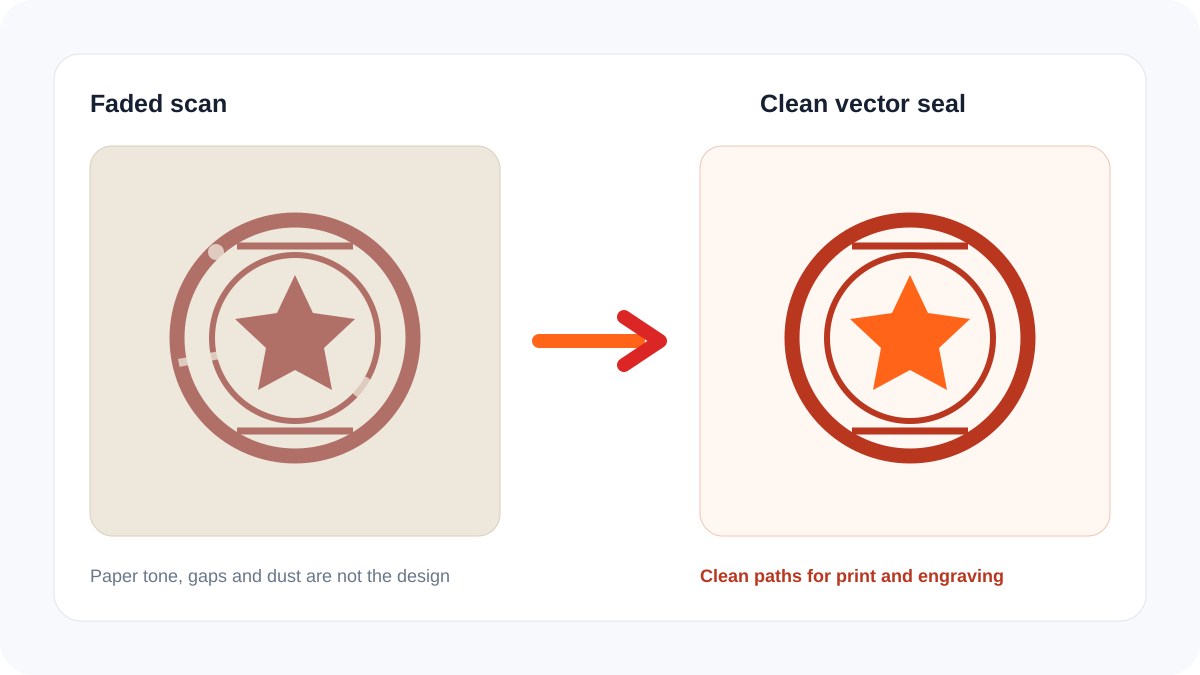
Scan or photograph the stamp straight-on at high resolution, crop it with a small margin, correct perspective, and separate the ink from the paper. Clean dust and uneven background tone without erasing intentional gaps. Then convert the high-contrast mark with Logo to Vector and review rings, text, counters, and line widths before using it in a document or production workflow.
Decide whether to preserve the impression or the design
A physical stamp impression is naturally imperfect. Ink pressure creates gaps, doubled edges, blur, and darker patches. For an archival reproduction, those defects may be part of the evidence and should remain in a high-resolution scan. For a reusable company mark, document template, engraving source, or replacement stamp, the intended geometry is usually more important than accidental wear.
| Source feature | Archival scan | Clean vector seal |
|---|---|---|
| Paper fibers | Preserve | Remove |
| Random missing ink | Preserve as evidence | Reconstruct cautiously |
| Designed distressed texture | Preserve | Preserve if intentional |
| Circular rings | Leave as impressed | Regularize to smooth paths |
| Small legal text | Do not guess | Confirm from an official source |
Prepare the best source
- Use a flat scanner when possible. If photographing, keep the camera parallel and avoid directional shadows.
- Capture several impressions with moderate, even pressure and choose the clearest one.
- Scan in color even for a one-color stamp; color separation can help distinguish ink from gray paper.
- Crop the mark but retain enough margin to see its complete outer edge.
- Correct rotation and perspective before increasing contrast.
- Keep an untouched archival copy before cleaning or vectorizing anything.
Vectorize and validate
Use the cleanest PNG with Logo to Vector. For a one-color mark, the result should normally use a compact set of closed shapes rather than thousands of speckles. Check circular geometry, baseline alignment, letter counters, stars, borders, and negative spaces. Compare the vector with several original impressions rather than copying one accidental defect.
The SVG design checker can identify embedded raster images, live text, missing dimensions, and excessive complexity. Test the final file at the smallest intended size because thin gaps that look clear on screen can close in print, engraving, or a physical stamp.
Legal and authenticity caution
Do not reconstruct official seals, notarization marks, signatures, certification stamps, or another organization’s identity without authorization. Vectorization improves reproduction quality; it does not establish authenticity or permission. Keep provenance and approval records for business assets.
Frequently asked questions
Should a stamp vector look distressed?
Only when the distressed texture is an intentional part of the design. Random defects from one impression should not automatically become the master artwork.
Can unreadable letters be recovered automatically?
Not reliably. Compare other impressions, official documents, and approved brand sources instead of inventing characters.
Is SVG enough to manufacture a rubber stamp?
It is a useful geometry source, but the manufacturer may require mirrored artwork, minimum line widths, an engraving shoulder, or another production format. Follow its specification.